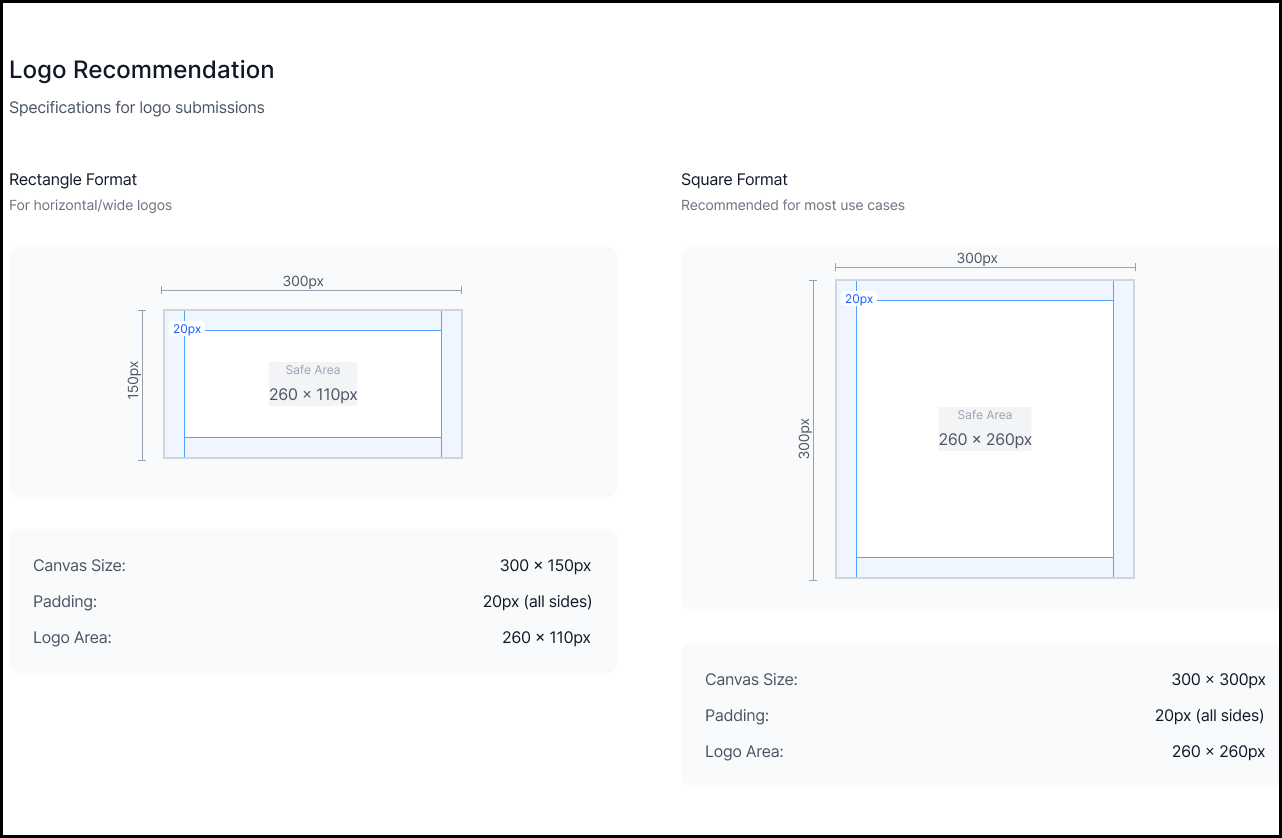
Tenant Logo Requirements
Overview
Customer tenants can upload their company logo for use across key Beyond Identity user experiences. This helps ensure consistent branding and clear visual recognition during authentication.
Where the Logo Appears
Your company tenant logo is displayed in the following locations:
- Passkey Icon – Used in existing authentication flows.
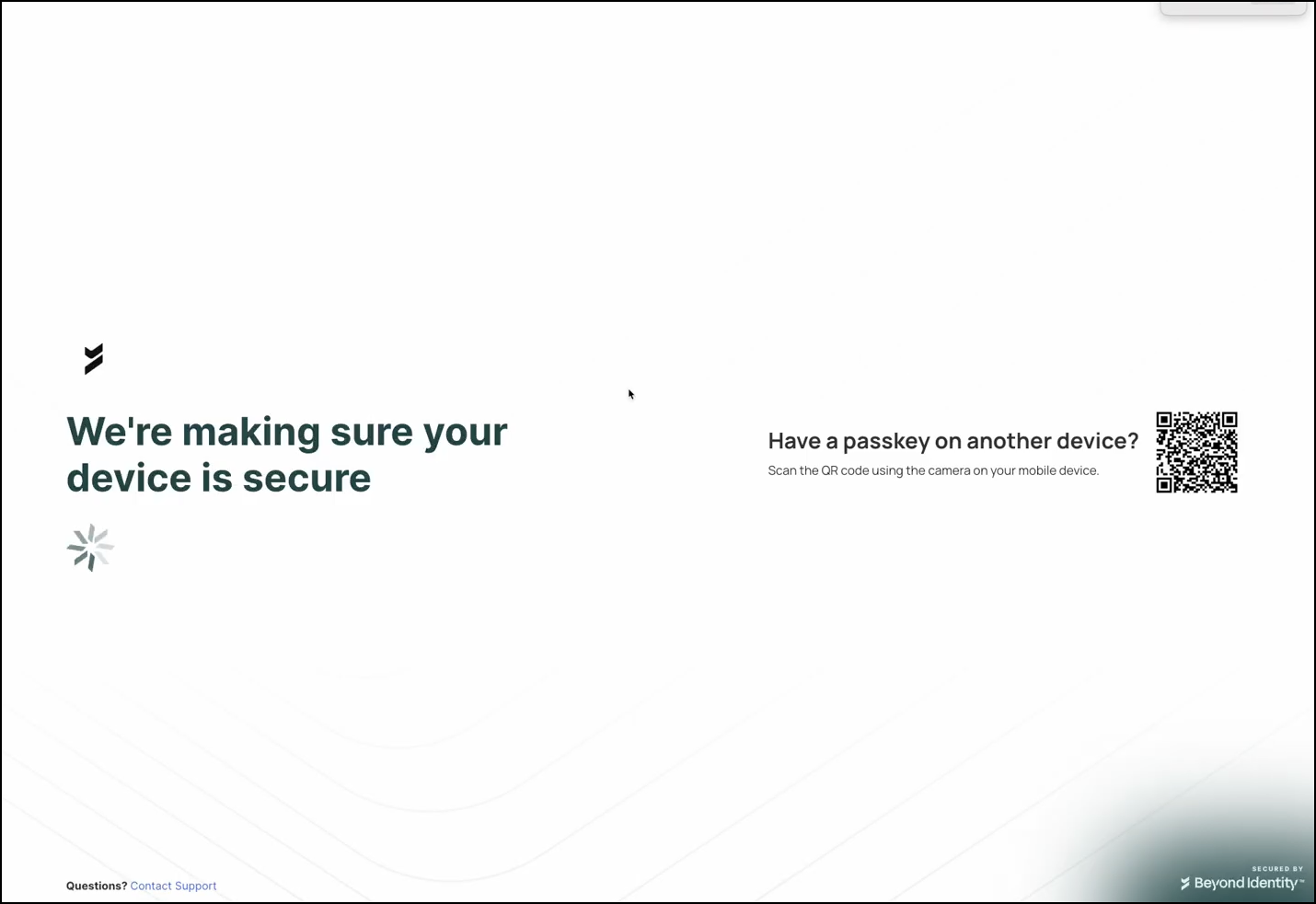
- Authentication Loading Screens – (Limited availability).
Note: Logo customization for authentication loading screens is available to tenants using the platform’s authentication flow. To enable this feature, submit a request through Beyond Identity Support.
Logo Specifications
| Requirement | Description |
|---|---|
| Dimensions | 300 × 300 px (square) 300 × 150 px (rectangle) |
| Background | White background is recommended for best contrast in both light and dark mode. |
| Transparency | Transparent backgrounds are acceptable if logo colors remain clearly visible in both light and dark mode. |
| Padding | 20 px padding recommended on all sides. |
| Tenant Name | Including the tenant name within the logo is recommended for clarity and identification. |